The process
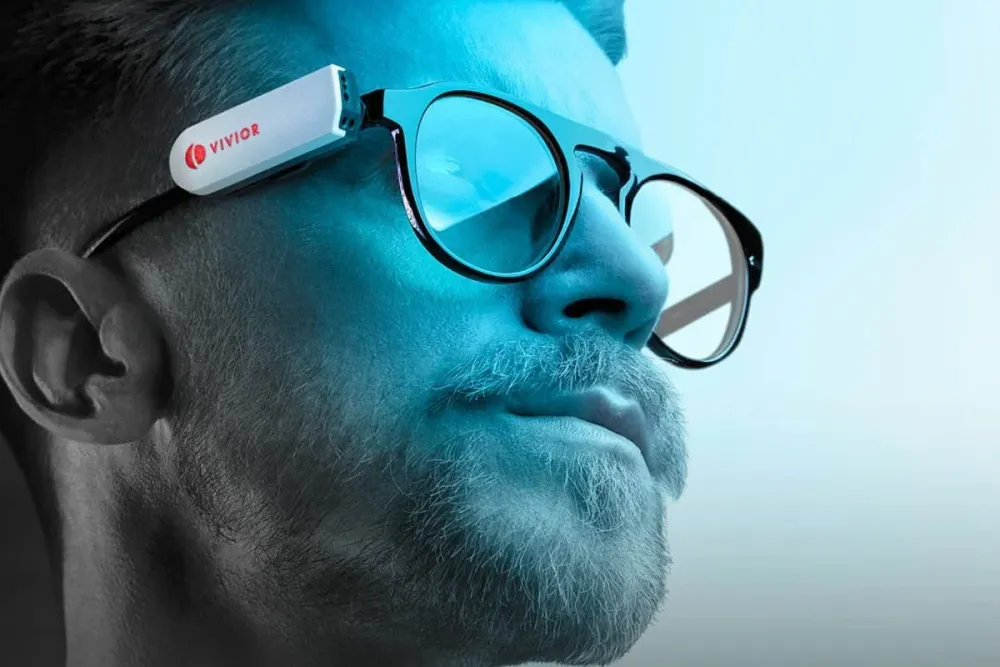
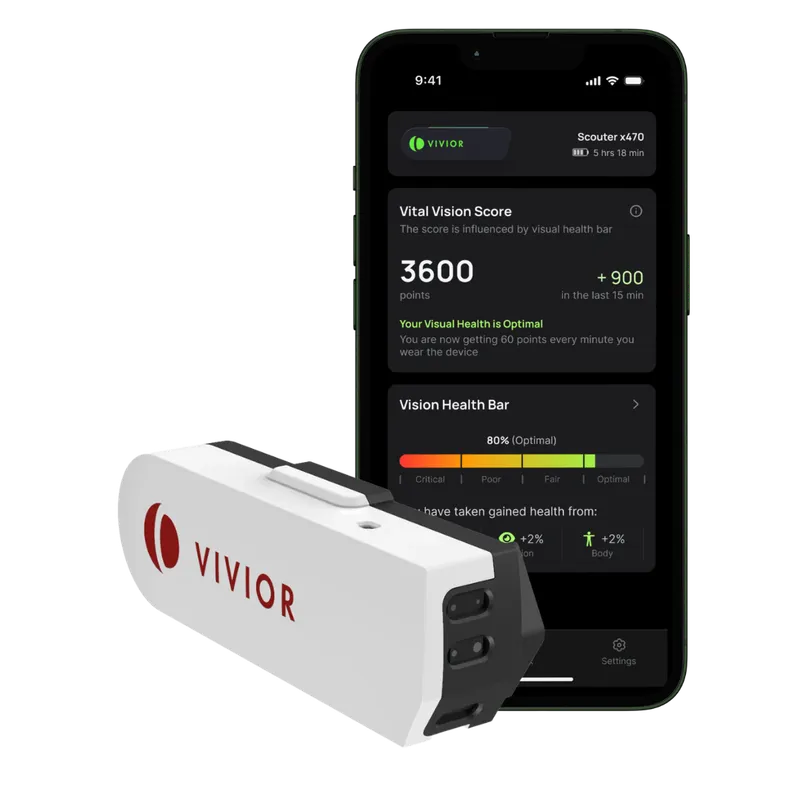
The journey began with an extensive Discovery phase followed by a Design phase, in which Vivior shared their vision, business expectations, objectives and customer insights with the Salt & Pepper team, and we set out to build a mobile companion that would unlock the potential of the Vivior wearable.
UI/UX design process
We took a comprehensive, user-centric approach to the UI/UX challenges, with research, a shared design system, interactive prototypes and cross-platform optimisation, bringing user feedback in throughout to define features that resonate with users.
- Research Extensive research addressed UI/UX challenges, with user feedback defining the features.
- Design System A robust, comprehensive design system, built together and ready for later changes, gave the development team clarity and consistent components throughout the app.
- Prototyping Interactive prototypes were used for user testing and validating assumptions, helping the client gather insights and stakeholders decide efficiently on features.
- Cross-Platform Design The design considered platform-specific UX requirements, so the app adapts to iOS and Android and uses each platform’s strengths.
Development process
In the discovery phase, requirements were analysed, a proof of concept was built and a robust system architecture was designed, with research informing the choice of technology stack. In the execution phase, features were developed iteratively from user stories defined by the client’s product owner and technical decisions made by Salt & Pepper’s team, with the focus on seamless communication between the wearable, the mobile app and the cloud services.
- Proof of Concept Validation A proof of concept confirmed React Native for this use case. For communication with the Bluetooth Low Energy (BLE) device, we used existing open-source React Native packages and also wrote custom native modules for the project’s needs.
- Technology Stack We designed the overall system architecture and chose the technology stack, for a robust and scalable foundation.
- Feature-Rich Mobile App With React Native and custom iOS and Android native modules, we built a user-friendly app with seamless control over the Vivior wearable.
- Analytics The app displays real-time metrics from the data the BLE device sends.
- Cloud Infrastructure Setup A secure, scalable cloud infrastructure on Google Cloud, with Firebase, Cloud Run, Dataflow, Cloud Functions, BigQuery and Cloud SQL, supports data management, firmware releases and efficient DevOps practices.
- Extensive QA and Stress Testing Rigorous testing ensured the app works with the wearable on iOS and Android, and stress testing on the device made the experience reliable and stable.
- Agile Way of Working With a SCRUM methodology, we worked closely with the Vivior team in two-week sprints. Regular reviews and demos kept stakeholders aligned.
Backend infrastructure
The back end was designed for scalability, security and maintainability. Terraform provisioned the Google Cloud environments, each project isolated on the principle of least privilege. An Apache Beam (Dataflow) ETL pipeline processed the sensor data into Pub/Sub and BigQuery, and a TypeScript Node.js API followed OpenAPI practices, with Prisma for the Cloud SQL database. A Docker-based Bitbucket pipeline handled continuous integration and delivery, and load testing with JMeter and Artillery confirmed performance under stress.
- Terraform-Based GCP Provisioning The back end used Terraform to provision the Google Cloud environments as separate projects, following the principle of least privilege.
- TypeScript API with Prisma The Node.js API layer was written in TypeScript, following OpenAPI practices, with Prisma as the ORM for the Cloud SQL database.
- Commit Standards and Code Integration Commit messages were validated with commitlint and commit hooks, so the whole team followed the same conventions and features linked easily to Jira issues.
- CI/CD with Docker The Bitbucket pipeline, built with Docker, tested and shipped the code to the cloud environment, for consistent quality and predictable releases. A Makefile simplified configuration.
- Apache Beam ETL Integration The Apache Beam (Dataflow) Python pipeline transformed the sensor’s binary data from Cloud Storage and fed it into Pub/Sub for other systems, such as serverless functions, or into BigQuery for analysis.
- Testing Strategy Developers tested with Postman and joined the QA team in load testing with JMeter and Artillery, monitoring the impact of heavy load and applying performance fixes.
QA and testing
Quality assurance was integral to the app, given its complex architecture: a front end and a back end alongside an external sensor bank. QA ran in parallel with development, covering firmware tests for the sensor bank, functional tests for the front end, and performance tests for the back end and data pipeline, with connectivity, load and stress testing throughout.
- Joint Development The app, the back end, the BLE sensor bank and a proprietary algorithm that turns raw sensor data into easy-to-read statistics were developed at the same time, so QA mirrored development: firmware tests for the sensor bank, functional tests for the front end, performance and stability tests for the back end and pipeline, and black-box and grey-box testing for the algorithm.
- Connectivity Accurate real-time statistics depend on reliable communication between the sensor bank, the app and the algorithm, so extensive connectivity and pipeline tests covered them all, with load and stress tests in Artillery and API tests in Postman and JMeter. Bluetooth Low Energy got special attention, with connectivity, interference and stability tests.
- Data Management and Availability The app processes real-time sensor data and keeps historic data, so users can track their progress day by day. Reports of both were tested extensively, so they are always accurate and easy to read at a glance.
- Real-Life Use Cases Beyond standard testing, with its edge and corner cases, the whole team wore the sensor bank and monitored their statistics through their daily routines, so the app would always inform users of their status, wherever and whenever.
- Continuous Calibration The app was constantly refined, especially in how data is processed and delivered, with the team suggesting many improvements along the way.